 DeskFerry
 / iPadOS 26.2+
Control your Mac from iPad.
Open a window onto your Mac. Use touch, a trackpad or the on-screen keyboard to work with the desktop you already have.
Connect to your Mac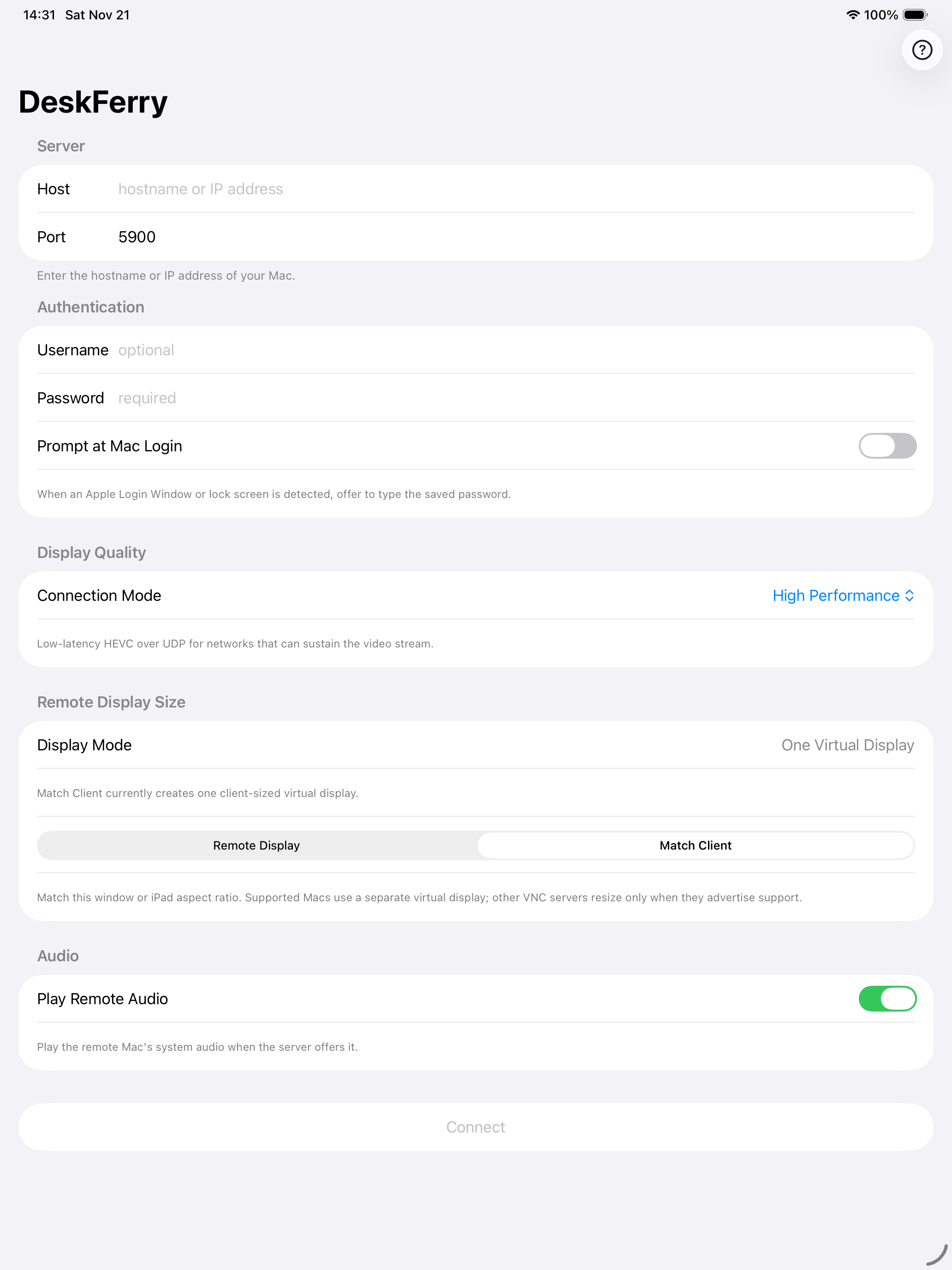
Your first connection
On your Mac
Open System Settings → General → Sharing. Turn on Screen Sharing and allow your Mac account.
On your iPad
Join the same network, enter your Mac’s address and sign in. Start with Standard mode to see its current desktop.
Type on the desktop
Tap a text field on the Mac, then open the floating ☰ menu and choose Show Keyboard.